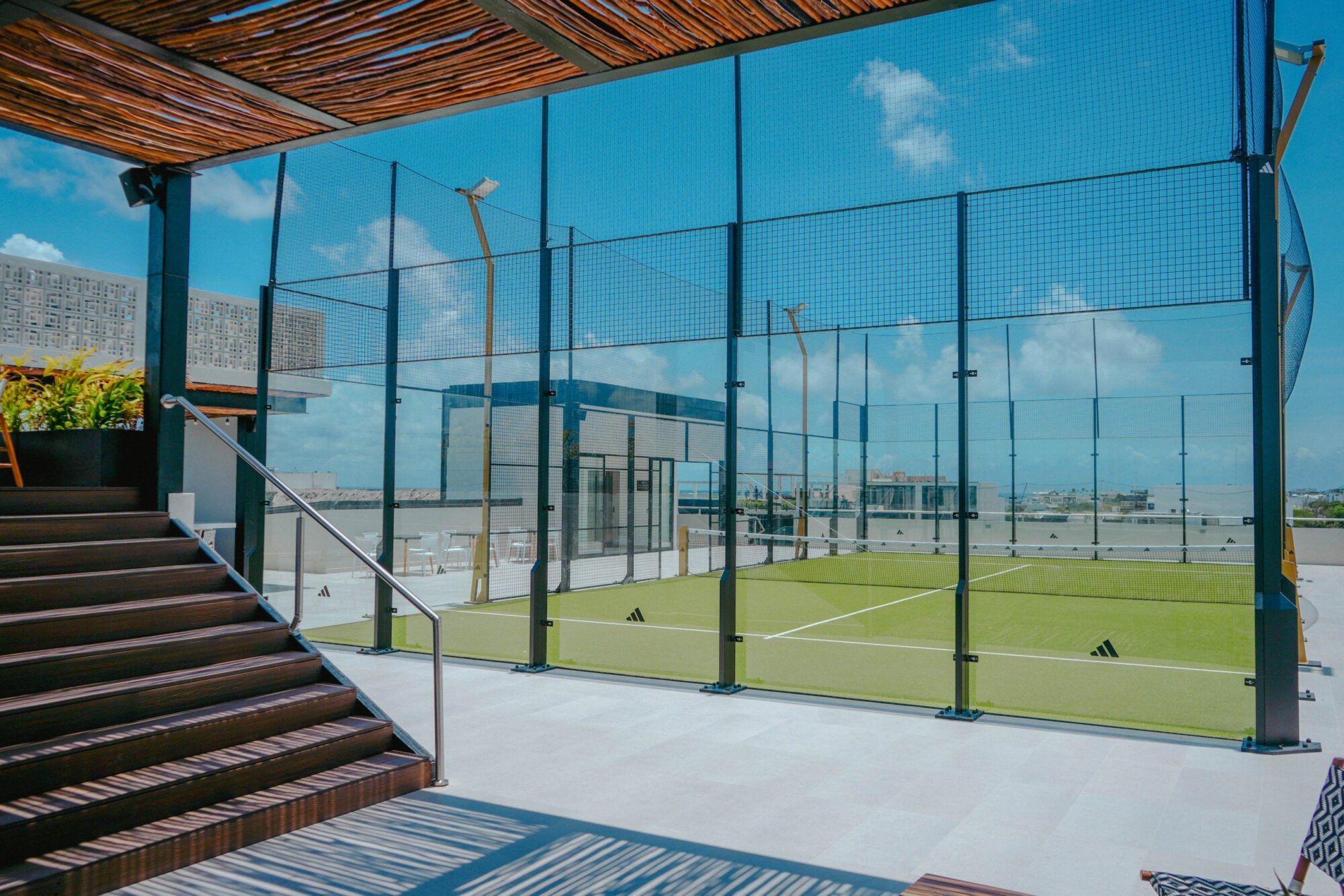
Most padel clubs in Playa del Carmen, Macondo Rooftop Padel included, take bookings through Playtomic. Here is how it works if you have never used it.
Book a court
- Download the free Playtomic app, or book on our website.
- Create an account and search for Macondo Rooftop Padel.
- Choose the day, a start time and 60, 90 or 120 minutes.
- Pay by card, Apple Pay or Google Pay. The booking is confirmed straight away.
Split the cost
Playtomic lets each player pay their own share. The person who books needs a card saved in the app and pays their part. The other players pay their share in the app before the game or up to 2 hours after it ends. If a share is still unpaid 2 hours after the game, Playtomic charges it to the card of the person who booked.
Use a promo code
If you have a promo code, enter it on the payment screen before you pay and the discount applies straight away. Keep the app updated so the code field shows.
Find players with open matches
No group? Create an open match so other players can join, or join one that is already set up. It is the easiest way to meet players at your level, whether you live here or are visiting.
Before you book
Check the club's cancellation policy in the app before you pay. At Macondo Rooftop Padel, check in at the building reception (entrance on Calle 48) when you arrive; reception is open at all hours and the lift goes straight up to the court.
Play on the rooftop on 5th Avenue
Open every day 07:00 to 22:30. Free rackets and parking.